Close

Create teams that fit, flex, and flow

See real team structures and collaborate effectively across Atlassian apps with Teams.

Find and assemble the right teams, fast

Build teams that reflect your work

Build teams that reflect your work

Assemble the right team for any type of work, whether it’s a project squad, tiger teams, or working group. Teams are flexible so you can adapt your team lineup as needed.
Understand who's who

Understand who's who

Go beyond the org chart. Quickly find experts and team owners. Profiles show who's working on what, eliminating guesswork.
Use teams to advance your work

Use teams to advance your work

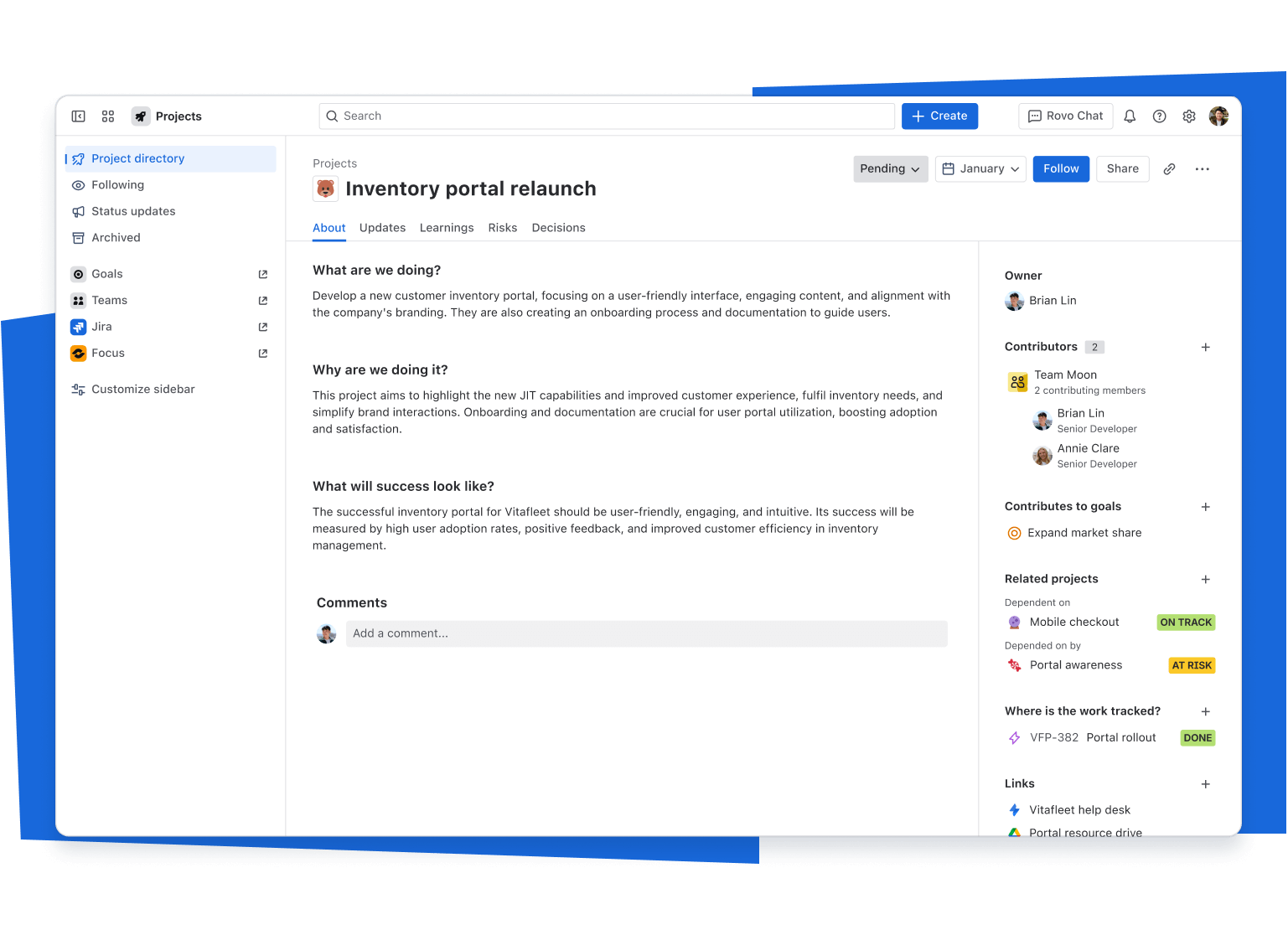
Teams are accessible across the Atlassian platform. Assign, share, and collaborate with ease. Unlock insights with team-level reporting.
Build teams that reflect your work

Assemble the right team for any type of work, whether it’s a project squad, tiger teams, or working group. Teams are flexible so you can adapt your team lineup as needed.

Understand who's who

Go beyond the org chart. Quickly find experts and team owners. Profiles show who's working on what, eliminating guesswork.

Use teams to advance your work

Teams are accessible across the Atlassian platform. Assign, share, and collaborate with ease. Unlock insights with team-level reporting.
Get a bird’s eye view
ADMINISTRATION

Improve teamwork. Reduce admin work.

Let teams form and evolve around the work with admin oversight.

Safely offload routine tasks

Enable users to create and manage their own teams within guardrails you set. Cut down on manual requests and free up time for more strategic work.

Keep team data up to date

Automatically sync team membership from identity providers via SCIM or from your HR systems using connectors. Save time, reduce errors, and ensure everyone relies on a single, trusted source for team information.

Manage all your teams in one place

Easily create, update, and delete teams from the Admin app, so team structures reflect reality.

FAQs

What is a Platform app?
  

Platform apps are pre-loaded capabilities in Atlassian cloud apps and collections built to increase visibility, improve alignment, and empower data-driven decision-making for all teams. You’ll find them right in the app switcher, no extra purchase required.

How does the Teams App integrate with other apps?
  

The Teams app gives you a shared directory of teams that appears across Atlassian products. When you create or update a team, you can use that same team in products like Jira, Confluence, and Compass to assign work, @mention a team, and see related projects, issues, and spaces in one place. Everyone is working from the same up‑to‑date list of teams instead of recreating them in each product.

Teams also connects with Slack, so you can link an Atlassian team to a Slack team or channel and bring the right people into conversations.

What is the difference between a team and a group?
  

Groups are an admin‑managed way to control access and permissions. They’re used to determine who can log in to which Atlassian apps and who can view or edit specific content.

Teams can be created by any user and are used to represent working groups like squads, departments, or project teams. Forming a team makes it easier to collaborate and understand who is doing what, without changing who has access to products or content.

What options do admins have to manage team creation?
  

Team types give admins options for how teams are created and managed:

  • Official teams, formerly called managed teams, are admin‑managed teams that represent your organization’s trusted structures, such as departments or business units. Only admins can create them and control membership. These teams appear in the Teams dropdown across Atlassian and have a blue checkmark.
  • Teams (default type) are flexible teams that any user can create for projects or day‑to‑day collaboration.

Start using Teams today